There are many times when a homeowner may need to turn off a garage door opener. You may be moving to a new home, fixing the door, replacing the opener, or simply trying to improve security. In some cases, a remote may be lost or stolen, and you want to stop anyone from using it.
Knowing how to turn off a garage door opener can help you avoid accidents and protect your home. The key is to do it safely, so you do not damage the system or create a new problem.
What Does It Mean to Disable a Garage Door Opener?
Understanding Garage Door Opener Functions
A garage door opener is the motorized system that lifts and lowers your garage door. It usually includes the motor unit, remote controls, wall switch, safety sensors, and an emergency release cord.
The motor does the heavy work, while the remote and wall button tell it when to move. The safety sensors help stop the door if something is in the way. The emergency release cord lets you disconnect the door from the opener so you can move it by hand.
Difference Between Disabling and Disconnecting
Turning off a garage door opener does not always mean removing it forever. Sometimes it only means shutting it off for a short time. That may involve unplugging it, disconnecting the door, or removing remote access.
Disconnecting can also mean a complete shutdown, such as during replacement or major repair. So when people ask how to turn off a garage door opener, they may be referring to either a temporary or a permanent step.
Reasons to Disable a Garage Door Opener
During Garage Door Repairs
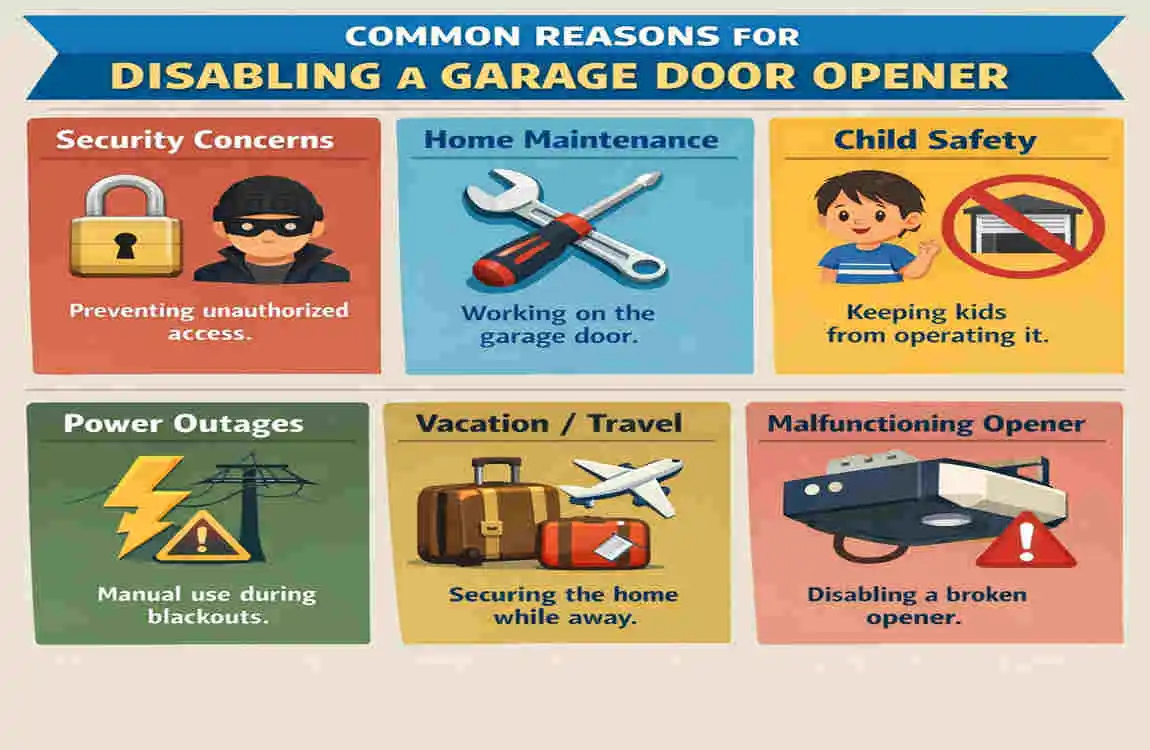
If your garage door is being repaired, disabling the opener helps prevent the door from moving by accident. That keeps both you and the repair worker safer.
For Security Purposes
If a remote is lost or stolen, turning off the opener can help stop unauthorized access. This is a smart step if you think someone else may still have a working device.
When Moving or Selling a Home
When you move, you may want to remove old remotes and clear access from the opener. This helps ensure that only the new owner or the current family can use it.
When Replacing a Garage Door Opener
If you are installing a new system, the old opener should be turned off and disconnected properly. That makes the replacement process cleaner and safer.
How to Disable a Garage Door Opener Safely
Disconnect the Power Supply
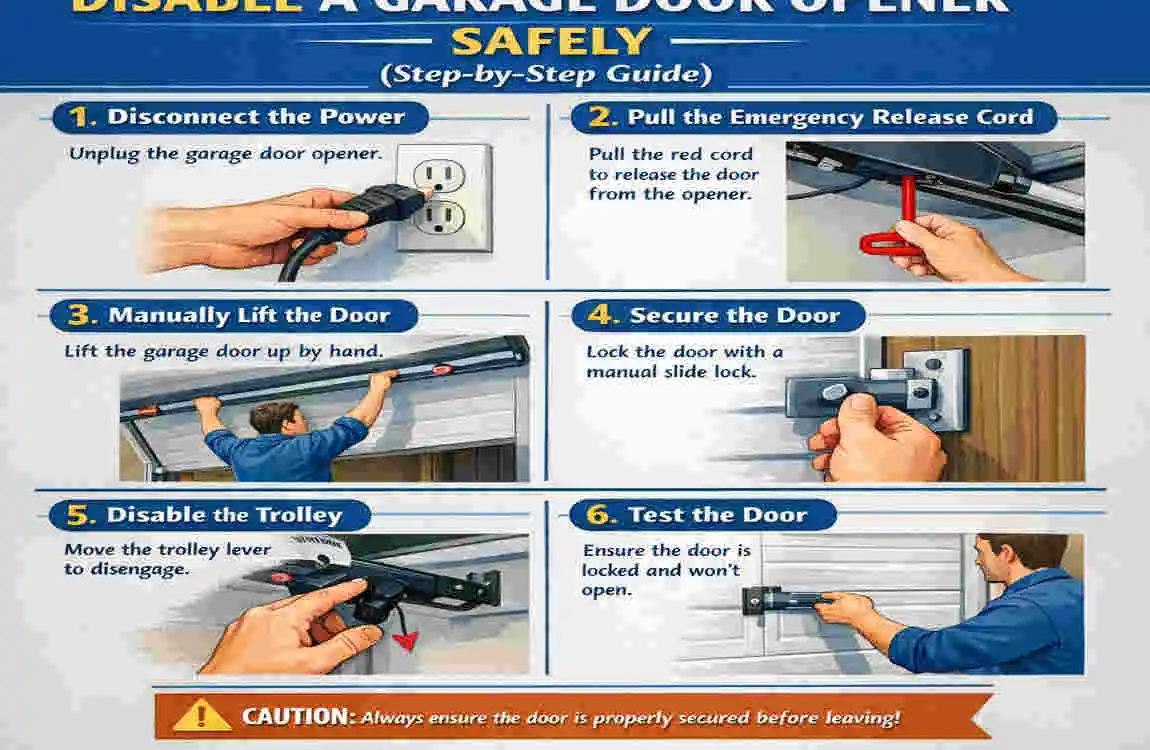
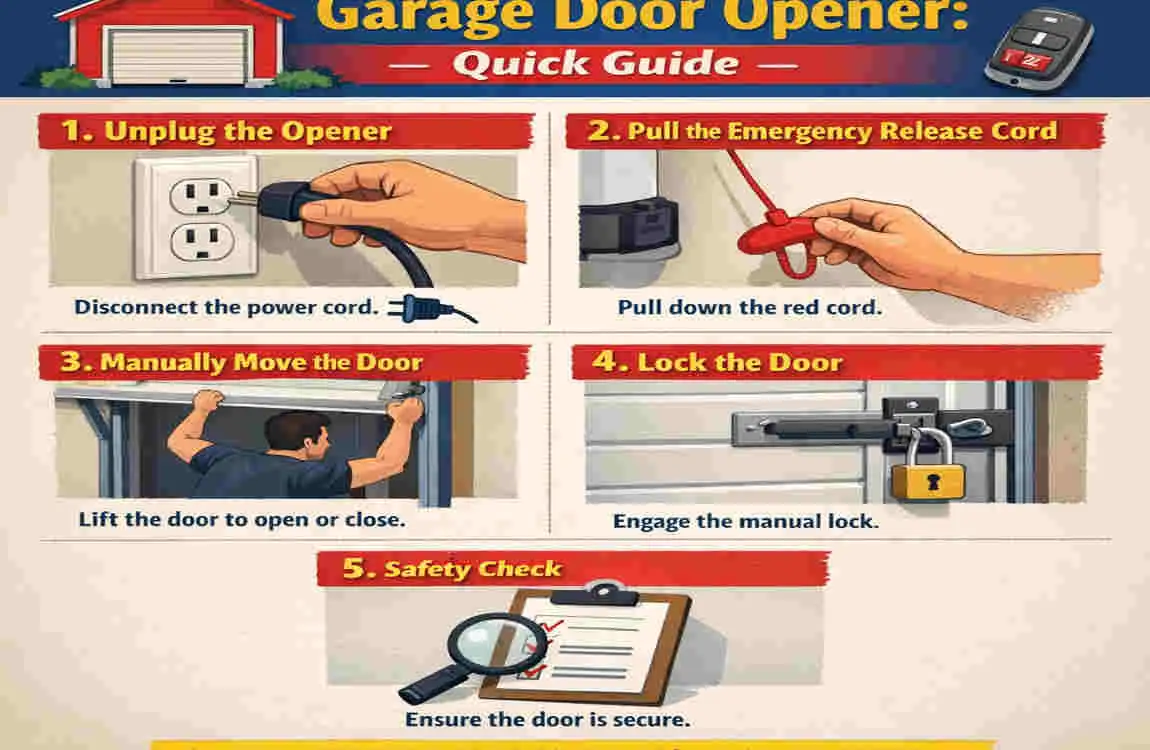
The first thing to do is unplug the opener from the electrical outlet. This cuts off power and stops the unit from working. It is the most important safety step.
If the opener is hardwired, do not guess. You may need an electrician or garage door professional to help with the power source. When learning how to turn off a garage door opener, always start with power safety.
Disconnect the Garage Door From the Opener
Next, find the emergency release cord. It is usually the red handle hanging from the opener rail. Pulling it disconnects the door from the motor.
Once the door is released, you can open and close it by hand. This is useful during repairs or when the opener is turned off for a while.
Disable Remote Controls
Remove the batteries from the remotes for a quick fix. If you want a stronger security step, clear the remotes from the opener memory.
If you use a smart opener, remove connected phones or app access too. This keeps the system from being controlled by devices you no longer want linked to it.
Turn Off Wall Control Access
The wall button may still work even if the remote is off. If needed, disconnect the wall control or turn it off, as directed in the owner’s manual.
This is especially helpful if you want to ensure no one accidentally activates the opener while you are working on it.
Secure the Garage Door Manually
Once the opener is disabled, make sure the door is secure. If your garage door has a manual lock, use it. If not, check that it is fully closed and cannot move easily.
This step matters because turning off the opener does not automatically lock the door.
How to Disable Different Types of Garage Door Openers
Chain Drive Garage Door Openers
Chain drive openers are common and usually easy to disable. You can unplug them, release the trolley, and remove remote access without much trouble.
Belt Drive Garage Door Openers
Belt-drive models operate similarly, but they tend to be quieter and sometimes more sensitive. Be gentle when using the release cord or handling the rail.
Smart Garage Door Openers
Smart openers often connect to Wi-Fi or a phone app. If you want to disable one, remove app users, turn off internet access, and clear saved devices.
Older Garage Door Openers
Older systems may not have advanced controls, but they can still be disabled by unplugging power and using the emergency release. Some older models may also need manual resets.
How to Disable a Garage Door Opener Without a Remote
Using the Wall Control Panel
If you do not have the remote, the wall control may still let you stop or turn off the system. Some units have a lock or vacation mode.
Disconnecting Power
If you want the fastest solution, unplug the opener. This works well for temporary disabling and is one of the easiest methods.
Resetting the Opener System
If you want to remove all previous access, a factory reset may be needed. This clears memory and forces you to set up the system again.
Safety Precautions Before Disabling a Garage Door Opener
Before you begin, keep these points in mind:
- Turn off electricity first
- Keep children away
- Avoid pulling hardware too hard
- Check door balance before moving it by hand
These steps help prevent injury and avoid damage to the garage system. A garage door is heavy, so even a simple job should be done carefully.
Common Mistakes When Disabling a Garage Door Opener
Forgetting to Disconnect Power
If you leave the opener plugged in, it may still respond to a remote or wall control. That can create an unwanted safety risk.
Pulling the Emergency Release Incorrectly
If you yank the cord too hard, you may damage the release mechanism. Pull it gently and follow the proper direction.
Not Clearing Remote Access
If a lost remote is still programmed, someone could still open the garage. That is why removing access is important.
Leaving the Garage Door Unsecured
A disabled opener is not the same as a locked door. Always check the door itself after turning the system off.
How to Re-enable a Disabled Garage Door Opener
Restore Power
Plug the opener back into the outlet or restore the electrical connection.
Reconnect the Door Mechanism
If you pulled the emergency release, reconnect the trolley so the opener can move the door again.
Test Safety Sensors
Make sure the sensors are lined up and working properly before you use the opener normally.
Program Remotes Again
If you cleared remote access, reprogram the remotes and smart devices you want to use.
Tools Needed to Disable a Garage Door Opener
ToolPurpose
Step ladder Reach opener unit
Screwdriver Remove covers or panels
Work gloves Protect hands
Flashlight Improve visibility
Owner’s manual Follow manufacturer instructions
When Should You Call a Professional?
Electrical Problems
If the opener is hardwired or the wiring looks damaged, call a professional. Electricity can be dangerous if handled improperly.
Broken Springs or Cables
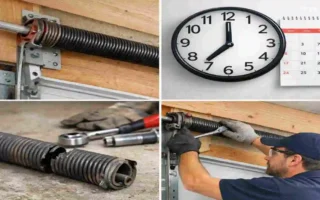
Springs and cables are under high tension. Do not try to fix them yourself.
Damaged Opener Motor
If the motor is making strange sounds or not responding, it may need expert inspection.
Complex Smart Garage Systems
If your garage uses advanced smart controls, a technician can help you disconnect everything safely and correctly.
Maintenance Tips After Disabling a Garage Door Opener
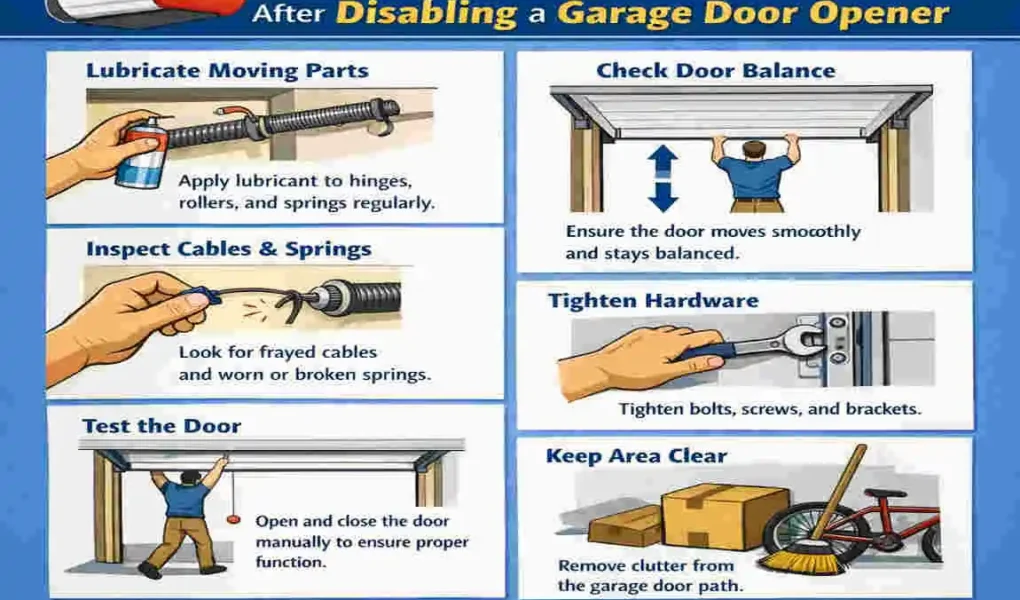
Even after you turn off the system, it is smart to keep the garage in good shape. Check the moving parts, lubricate hinges and rollers, and inspect the safety sensors. Also review your remote security settings and schedule regular inspections.
Good maintenance makes it easier to turn the opener back on later and helps prevent future problems.
Frequently Asked Questions
Q: How do I turn off a garage door opener temporarily?
Unplug the opener and use the emergency release cord to disconnect the door from the motor.
Q: Can I disable my garage door opener without unplugging it?
Yes. You can remove remote access, disconnect smart controls, or use the emergency release.
Q: Will turning off a garage door opener lock my garage door?
No. It only stops automatic operation. You may still need a manual lock.
Q: How do I turn off a lost garage door opener remote?
Clear all programmed remotes from the opener and re-add only the ones you trust.
Q: Is it safe to manually open a garage door after turning off the opener?
Yes, if the door hardware is in good shape and the springs are working properly.
| Method | Description | |
|---|---|---|
| Disconnect Power | Unplug the garage door opener from the electrical outlet to stop automatic operation. | |
| Use the Emergency Release Cord | Pull the red emergency release cord to disconnect the door from the opener trolley. | |
| Disable Remote Controls | Remove batteries from remotes or erase stored remotes from the opener’s memory. | |
| Turn Off Wall Control | Lock or disable the wall-mounted control panel if available. | |
| Secure the Garage Door | Manually close the door and use a lock or clamp for extra security if needed. | |
| Check Safety Features | Test that the opener no longer responds to remotes or wall controls before leaving it unattended. |