A Genie garage door opener usually stops working because of a dead remote battery, a blocked or misaligned safety sensor, lock mode on the wall console, a lost power supply, or door settings (limits and force) that have drifted. Check power first, then the safety sensors, then the remote, then the wall console wiring. Most of these fixes take under 15 minutes and need no special tools.
Before You Start: A 60-Second Symptom Check
| What you notice | Most likely cause | Jump to |
|---|---|---|
| Nothing happens from wall button or remote | No power, lock mode, or control board issue | Fix 1, Fix 3 |
| Wall button works, remote doesn’t | Remote battery, programming, range, Sure-Lock | Fix 2, Fix 3 |
| Door won’t close, light blinks | Safety sensor blocked or misaligned | Fix 4 |
| Door starts down, then reverses or stops | Sensors, limit settings, or binding door | Fix 4, Fix 6 |
| Motor runs but door doesn’t move | Disconnected trolley, or drive issue | Fix 7 |
| Door opens or closes by itself | Stuck button or shorted wall wires | Fix 8 |
Confirm the Opener Has Power
It sounds obvious, but it is the quickest test. Genie’s own manuals suggest plugging a lamp into the same outlet the opener uses; if the lamp lights, the outlet is fine (Genie 1028 troubleshooting guide). If it does not, check the breaker, a tripped GFCI outlet, or a power strip that has been switched off.
Replace the Remote Battery
Dead batteries are the number one reason a remote stops working. According to Genie, many of its remotes use a CR2032 coin cell, while at least one 3-button model uses a 12-volt A23 battery (Genie blog: garage door won’t open or close). If the remote’s small LED doesn’t light when you press a button, replace the battery first.
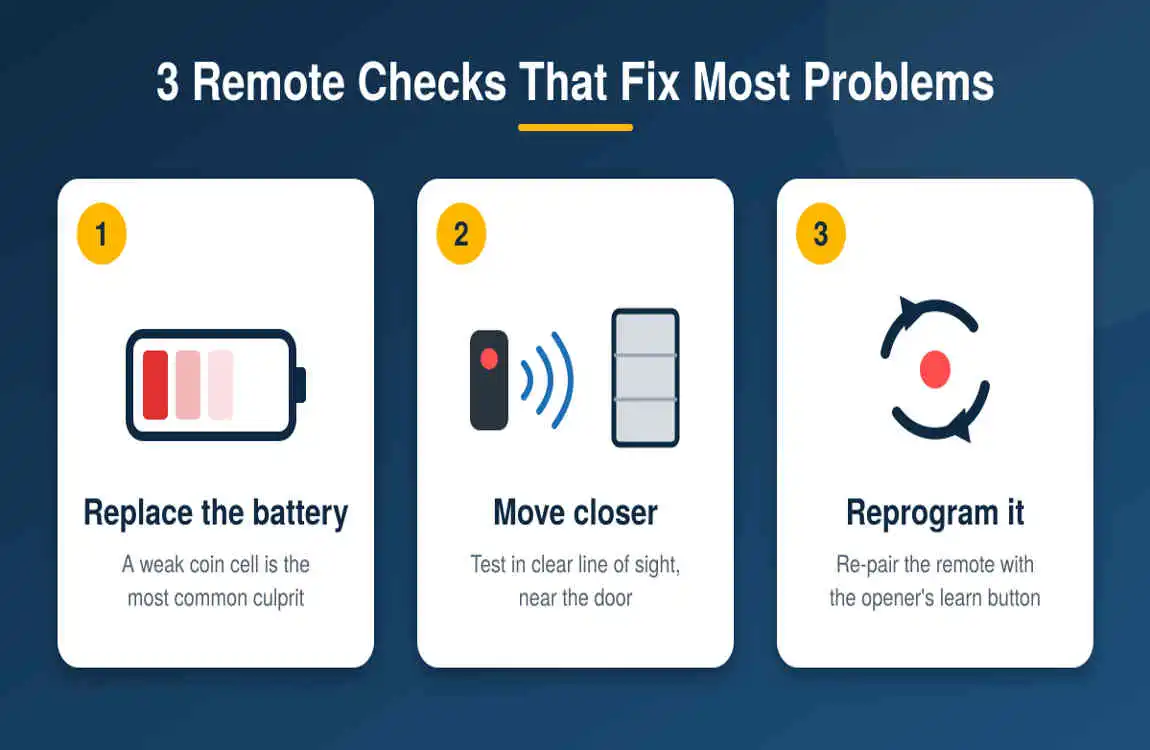
Also check range. Genie’s older manuals note that if the remote has an operating range under 25 feet, you should relocate it inside the car or point it at the door (Genie 1028 manual). Genie also warns that a bulb in the opener light can create radio interference that shortens remote range.
Check Lock (Vacation) Mode on the Wall Console
If every remote and keypad stopped at the same moment but the wall button still works, lock mode is the likely cause. Some Genie wall consoles include Sure-Lock, which disables the remotes and keypad to prevent use while you are away or overnight (Genie). Switch it off and test again.
If the remote still fails, re-program it using the Learn button on the opener’s powerhead per your owner’s manual. Genie also recommends erasing all remotes and re-programming the ones you use if a remote was lost or stolen (Genie troubleshooting).
Clean and Realign the Safety Sensors
This is the most common reason a Genie door will not close. Safe-T-Beam sensors send an invisible infrared beam across the door opening; if anything breaks the beam, the door reverses (Genie Safe-T-Beam guide). Work through this list:
- Wipe both lenses with a soft, dry cloth.
- Clear boxes, bikes, cobwebs, or tools from the beam path.
- Check that each sensor sits about 5 to 6 inches above the floor, one on each side of the opening (Genie Safe-T-Beams explained).
- Look for a loose or pinched sensor wire.
- Shade the green sensor from direct sun. Genie notes that sunlight carries infrared light, and a red sensor blinking three times with no obstruction can signal sunlight interference.
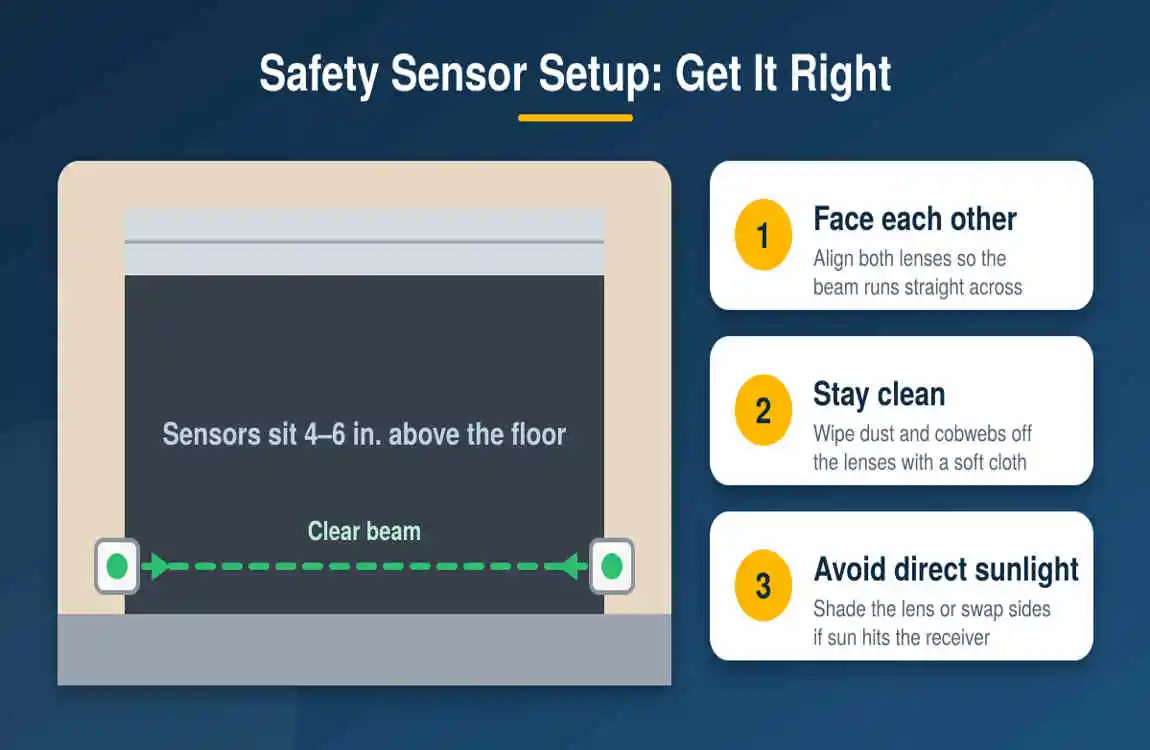
Important: Genie states that remotes and keypads will not work without a working Safe-T-Beam system, though you can close the door by holding down the wall console button until it fully closes (Genie H8000 self-diagnostic guide). Treat that as a short-term workaround only.
Read the Blinking Lights
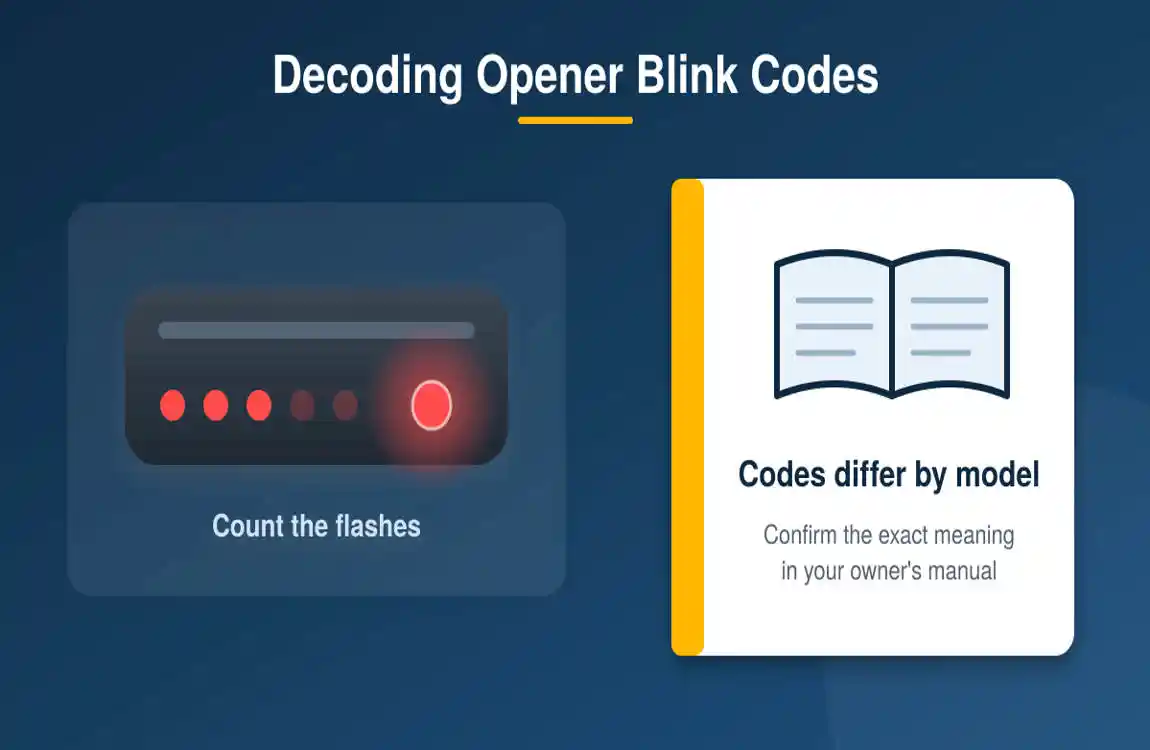
Genie openers diagnose themselves. Chain and belt models flash the LEDs near the Learn button; for example, a green LED blinking once can mean an obstruction between the sensors, a binding door, or limits that need programming, while five blinks points to chain or belt tension (Sears PartsDirect: Genie error codes). Genie’s Excelerator screw-drive series has a status LED under the lens cover that is meant to turn on and then off at startup (Genie Excelerator diagnostics).
Re-Set the Limits and Force Settings
If the door starts down, then stops or goes back up, the close limit may be set wrong. Genie manuals list checking the close limit setting for a door that stops before closing, and clearing and reprogramming limits when they are set backwards (Genie troubleshooting guide, models 1022 to 2042). Adjust slowly and in small steps, and follow the steps for your exact model.
Check the Door Itself
An opener can only move a door that moves freely. Disconnect the door from the opener using the red emergency release cord, then lift it by hand. It should feel balanced and glide smoothly. If it is heavy, jams, or slams shut, the problem is the door, not the opener.
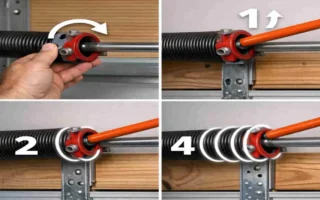
Safety warning: Garage door springs and cables are under extreme tension. Genie advises contacting the manufacturer or a professional if you suspect a problem with the door hardware or springs (Genie manual). Never try to adjust springs yourself.
Solve “Phantom” Operation and Wall Button Problems
If your door opens by itself, Genie says the most common cause is a short in the wall button or its wires, which can come from temperature changes, vibration, or power surges. Disconnect the wall control wires at the motor head to test (Genie troubleshooting assistance). Also check for a stuck button on the wall control or a remote that is being pressed in a bag or glove box. If the wall console is dead but remotes work, inspect for loose, crossed, or damaged low-voltage wires.
Test the Auto-Reverse Safety Feature
Once your opener works again, make sure it is still safe. The U.S. Consumer Product Safety Commission explains that openers must reverse a closing door within two seconds of touching a 2-inch-high test block on the floor, and urges owners to test the reversing feature monthly (U.S. CPSC). Lay a 2×4 flat in the door’s path and close the door: it should reverse on contact. If it does not, stop using the opener and call a technician.
When to Call a Professional
- You suspect a broken spring, frayed cable, or off-track door.
- The door fails the reversal test.
- The opener is silent, the logic board shows a steady green light, or it keeps failing after the checks above.
- The unit is very old. The CPSC has long urged families to replace door openers that cannot reverse (U.S. CPSC).
Genie customer service is also available by phone at 1-800-35-GENIE, as listed in its manuals.
Frequently Asked Questions
Why is my Genie garage door opener not working?
The usual causes are a dead remote battery, blocked or misaligned safety sensors, lock mode on the wall console, no power at the outlet, or limit settings that need adjusting. Check power, then sensors, then the remote.
Why does my Genie opener work with the wall button but not the remote?
Suspect the remote itself: the battery, programming, range, or Sure-Lock mode on the wall console.
Why does the opener light blink and the door won’t close?
This usually means the safety sensors detect a problem. Clean the lenses, clear the beam, and realign both sensors.
How do I reset my Genie garage door opener?
Unplug it for about 30 seconds, plug it back in, then re-program remotes and reset limits if needed using your owner’s manual.
Can I still close the door if the sensors are broken?
Yes. Hold the wall console button down until the door closes fully, but repair the sensors promptly because remotes and keypads will not work without them.
How often should I test the auto-reverse feature?
Monthly, according to the U.S. Consumer Product Safety Commission.
Final Thoughts
When your Genie opener goes quiet, work from the simplest check to the most involved: power, batteries, lock mode, sensors, then settings. Most homeowners fix the problem in minutes, and a monthly safety test keeps your garage safe for the whole household.
Sources
- The Genie Company: Garage Door Opener Troubleshooting
- The Genie Company: Troubleshooting Guide for Models 1022 to 2042
- The Genie Company: Safe-T-Beam Sunlight Interference Solutions
- The Genie Company: Safe-T-Beams Explained
- The Genie Company: Excelerator Series Self-Diagnostic Troubleshooting
- The Genie Company: Garage Door Won’t Open or Close, Try These Tips
- U.S. Consumer Product Safety Commission: Rules for Automatic Garage Door Openers
- U.S. Consumer Product Safety Commission: Replace Unsafe Garage Door Openers
- Federal Register (GovInfo): Safety Standard for Automatic Residential Garage Door Operators, 16 CFR Part 1211
- Sears PartsDirect: Genie Chain and Belt Drive Opener Error Codes