
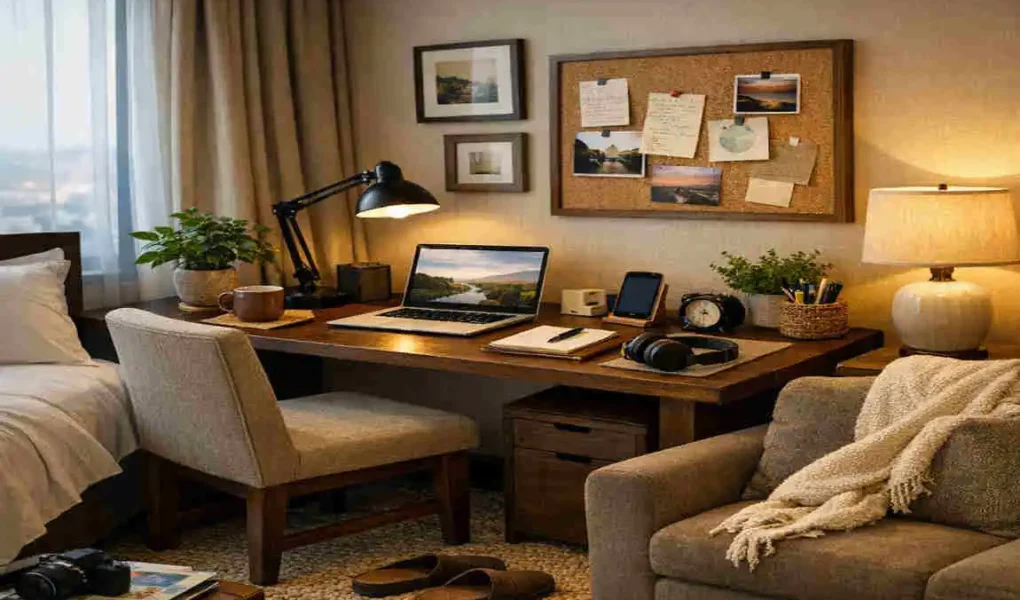
Working from a hotel room can feel awkward at first. The space is not built like a real office, and the setup often feels temporary. Still, with a few simple changes, you can turn even a basic hotel room into a comfortable, home-style workspace.
You do not need fancy tools or expensive gear. What you need is a little planning, a clean setup, and a few small touches that make the space feel familiar. If you travel often for work, these easy changes can help you stay focused and productive.
Choose the Right Spot
The first step is finding the best place to work inside the luxury room. This matters more than most people think.
Pick a spot with natural light.
If possible, place your laptop near a window. Natural light helps you stay alert and reduces eye strain. It also makes the room feel less closed-in, which can help your mood during long work hours.
If the window area is too bright or causes glare, shift the desk slightly to the side instead of facing it straight on.
Use a stable surface.
Not every hotel modern room has a proper desk. If that happens, use a small table or another sturdy surface. The main goal is to create a steady place for your laptop, notebook, and other items.
Avoid working from the bed if you can. It may feel cosy, but it often leads to poor posture and less focus.
Improve Your Seating Comfort
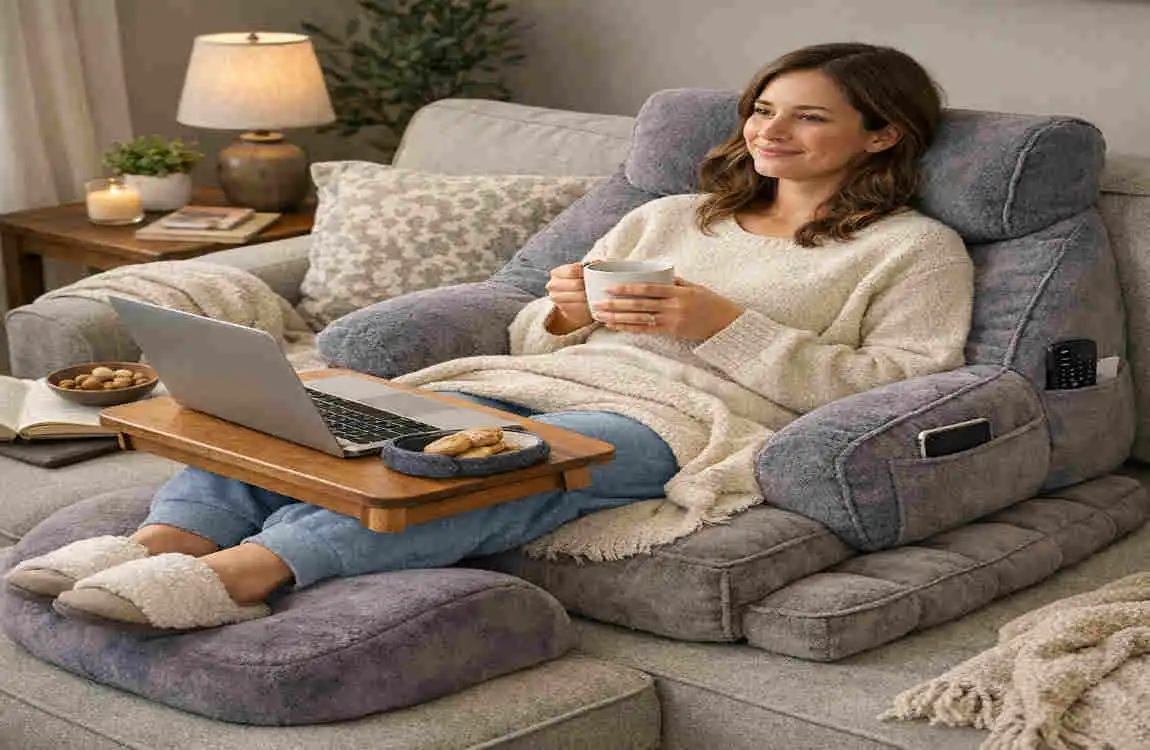
Hotel chairs are not always made for long work sessions. A little support can make a big difference.
Add simple back support.
If the chair feels too firm or flat, place a folded towel or a small pillow behind your lower back. This helps support your posture and makes sitting more comfortable.
Adjust your sitting position.
Try to keep your elbows at about a 90-degree angle while typing. If the chair is too low or too high, adjust your position with cushions or by changing the seat height if possible.
Comfort matters. When your body feels better, it is easier to stay focused.
Organise Your Workspace
A clean workspace helps your mind stay clear. When everything has a place, you waste less time looking for things.
Keep only the basics nearby.
Put your laptop, charger, notebook, pen, and any other work tools within easy reach. You do not need to cover the desk with items. In fact, a simple setup usually works better.
Use helpful tools
Workspace Item Purpose
Laptop Stand Raises screen to eye level
Wireless Mouse Improves comfort
Notebook Quick note-taking
Desk Lamp Better lighting for evening work
Power Strip Charges multiple devices
These items are small, but they can make hotel work much easier.
Add a Home-Like Touch
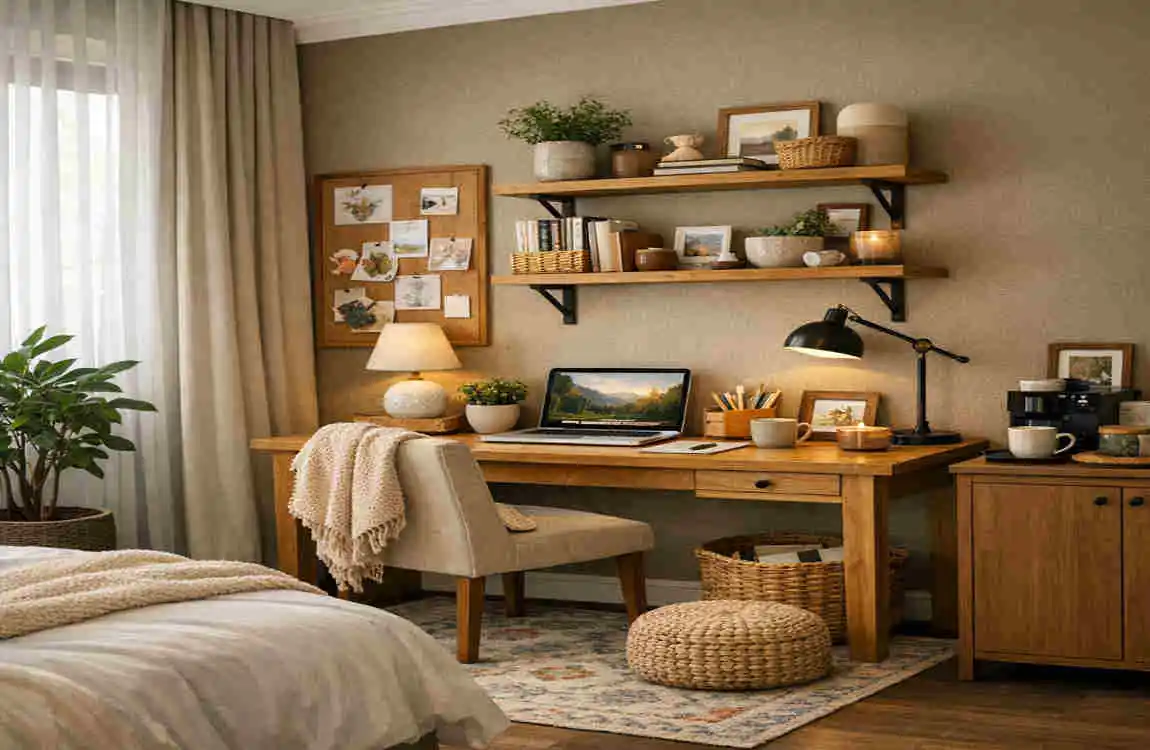
A hotel modern room can feel cold or plain. A few personal items can help the space feel more like your own.
Bring familiar items
Consider adding one or two things that make you feel at ease. It could be a favourite coffee mug, a family photo, or a reusable water bottle.
Keep it simple
You do not need to bring a lot. Even small items can make the room feel warmer and less temporary. That feeling of familiarity can lower stress and help you settle into work faster.
Useful personal touches
- Reusable water bottle
- Family photo
- Small travel plant
- Favorite coffee mug
- Noise-cancelling headphones
These small details can make a plain hotel room feel much more comfortable.
Optimize Lighting
Lighting can change how productive you feel during the day and night.
Avoid harsh glare
If the luxury room feels too dim, use the desk lamp to brighten your workspace. Try to place the light so it does not cast a direct reflection on your screen.
Choose warm, balanced light.
Soft, warm light usually feels easier on the eyes than bright, harsh lighting. Good lighting helps you work longer without feeling tired too soon.
If the room has multiple light settings, test them for a few minutes and see which one feels best for focus.
Minimize Distractions
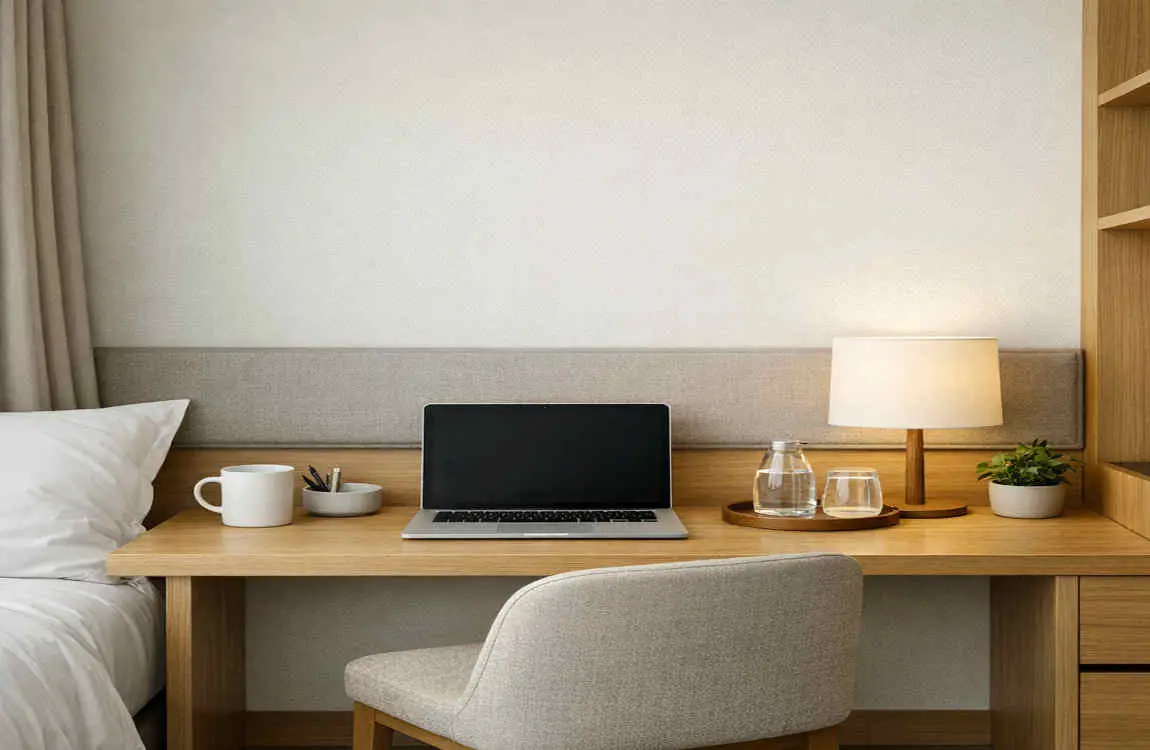
Hotel rooms can come with plenty of distractions. The TV, noise from the hallway, and the bed nearby can all pull your attention away.
Create a clear work zone.
Try to keep your workspace separate from the bed. Even if the room is small, creating a mental divide between workspace and rest space can help you stay in the right mindset.
Reduce noise and interruptions.
Turn off the TV if you do not need it—silence extra notifications on your phone and laptop. If the room is noisy, noise-cancelling headphones can help you stay focused.
Keep your routine steady
A simple routine can help your brain understand when it is time to work. Start your day with the same habits you would use at home, such as checking your schedule, making coffee, and setting your top tasks.
Maintain Good Posture
Good posture is easy to ignore when you are working from a temporary setup. Still, it matters a lot.
Sit upright without strain.
Your back should feel supported, not slouched. Keep your shoulders relaxed and your feet flat on the floor if possible. If the chair is too low, place a bag or cushion under your feet.
Take regular breaks
Do not stay in one position for too long. Stand up every hour, stretch a little, and walk around the luxury room if needed. These small breaks help reduce stiffness and keep your energy up.
Movement keeps your body from feeling too tight after a long workday.
Frequently Asked Questions
How can I make a hotel room feel more like a home office?
Use a desk or table, improve chair comfort with a pillow, organise your work items, and add a few personal touches, such as a mug or a photo.
What should I pack for working from hotel rooms?
A laptop stand, wireless mouse, notebook, headphones, and a compact power strip are great items to bring.
Is natural light important for a hotel workspace?
Yes. Natural light helps reduce eye strain and creates a more pleasant work environment.
How do I stay productive while working in a hotel room?
Keep your desk tidy, limit distractions, follow a simple routine, and take short breaks during the day.
Can I create an ergonomic workspace in any hotel room?
Yes. Even basic furniture can work if you improve the chair, raise your laptop, and maintain good posture.
| Aspect | Information |
|---|---|
| Purpose | Create a comfortable and productive workspace that feels like home while staying in a hotel. |
| Choose the Right Spot | Use the hotel desk near a window for natural light, or move a small table if needed. |
| Comfortable Seating | Adjust the chair height and add a cushion or folded towel for better back support. |
| Lighting | Use natural daylight when possible and supplement with a desk lamp to reduce eye strain. |
| Workspace Organization | Keep essentials like your laptop, charger, notebook, and water bottle within easy reach. |
| Cable Management | Use cable ties or clips to keep charging cables neat and prevent clutter. |
| Personal Touches | Add a reusable water bottle, small plant, or family photo to make the space feel more inviting. |
| Reduce Distractions | Turn off the TV, silence notifications, and use noise-canceling headphones if needed. |